
Contact us Our website is under maintenance, sorry for the inconvenience! For any orders do call our hotline at 6345 6914
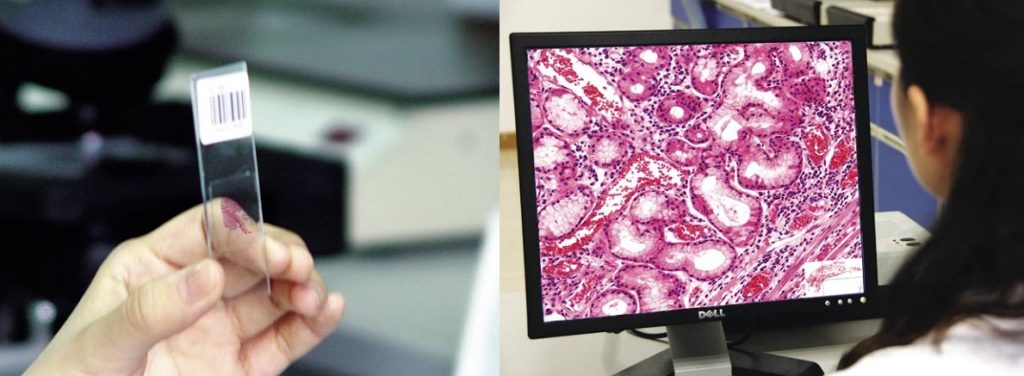
Whole Slide Imaging Software of MicroVisioneer
$ 97.21
MicroVisioneer Manual Whole Slide Imaging Software Save Money: By using your own microscope equipment, you only need to buy a camera and the microvisioneer whole slide imaging software. That’s just a fraction of a slide scanners cost! Save Time: For specimens up to 10 x 10 millimeters it’s often actually faster to scan manually! Additionally, if you are waiting for slide scanners to become affordable, just start with the manual process now. Scan With Oil: Scanning a slide with oil immersion objectives is possible, too. Save Image: Bridge a potential outage of your slide scanner conveniently using manual whole slide imaging. What do you need: 1. Microscope You need a microscope with a trinocular tube. That means the microscope needs to have a camera port. 2. Camera Adapter You need a compatible camera adapter. Adapters from 0.5x to 1.0x will work. Ask Microvisioneer to find out if your equipment meets the required specifications. 3. Camera You need a compatible camera. Ask Microvisioneer to find out if your camera is already supported. New cameras are added on a first come first serve basis. 4. Software Buy the manualWSI software directly from Microvisioneer with online support. Alternatively, ask for support from a local reseller. Example For example, this scan (link below) is for Orangutan mason slide using a 20x/NA0.75 which resulted in 134,144 x 55,296 pixels, i.e. 7,418 MegaPixels or 7.4 GigaPixels with 1.5Gigabites file size (compressed). Of course, this takes some time (like 40 minutes) to scan an area like that manually but it is possible. https://www.easyzoom.com/imageaccess/ba13ab8b3781437f8529279ddada8150 Sample Video: