$58.74
$110.43
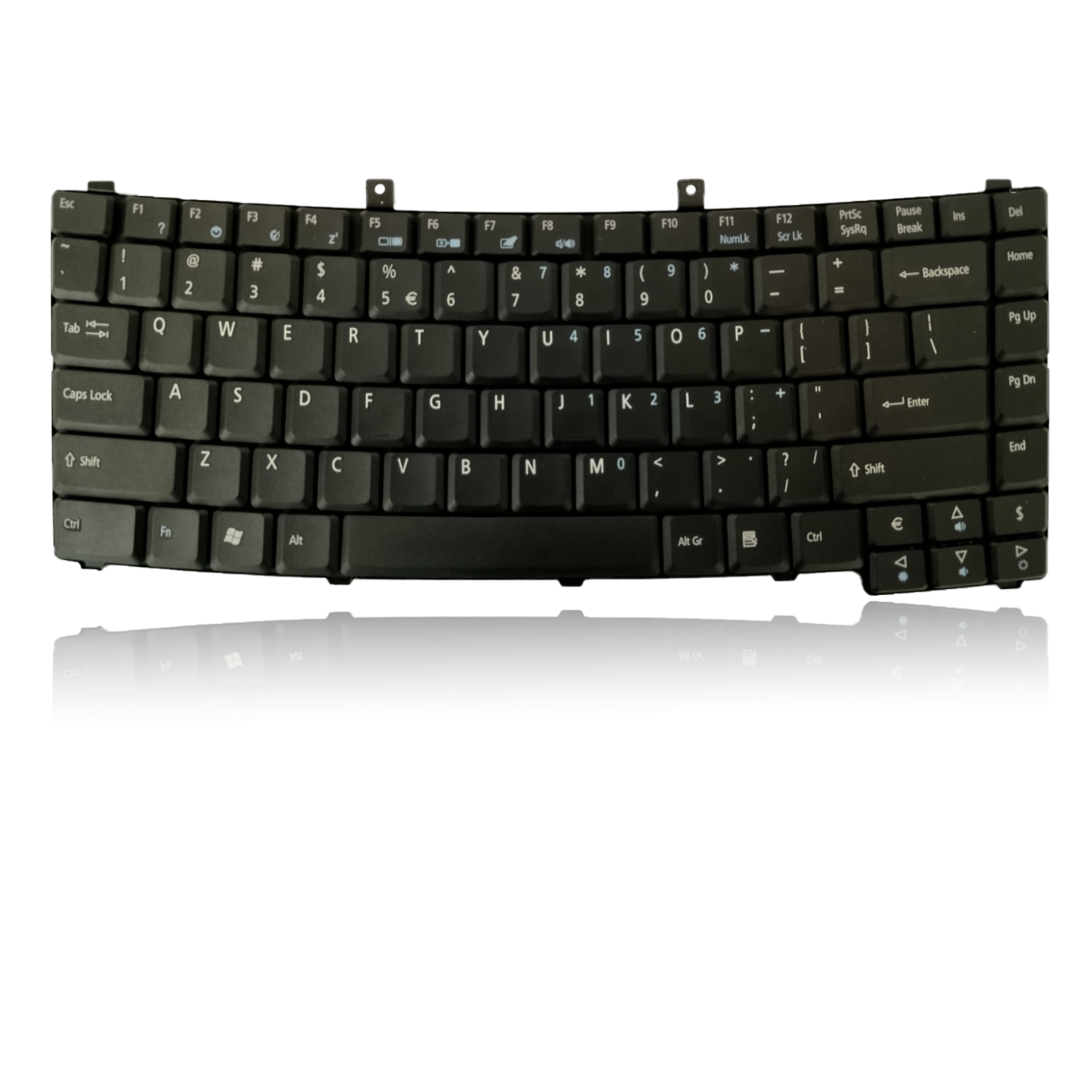
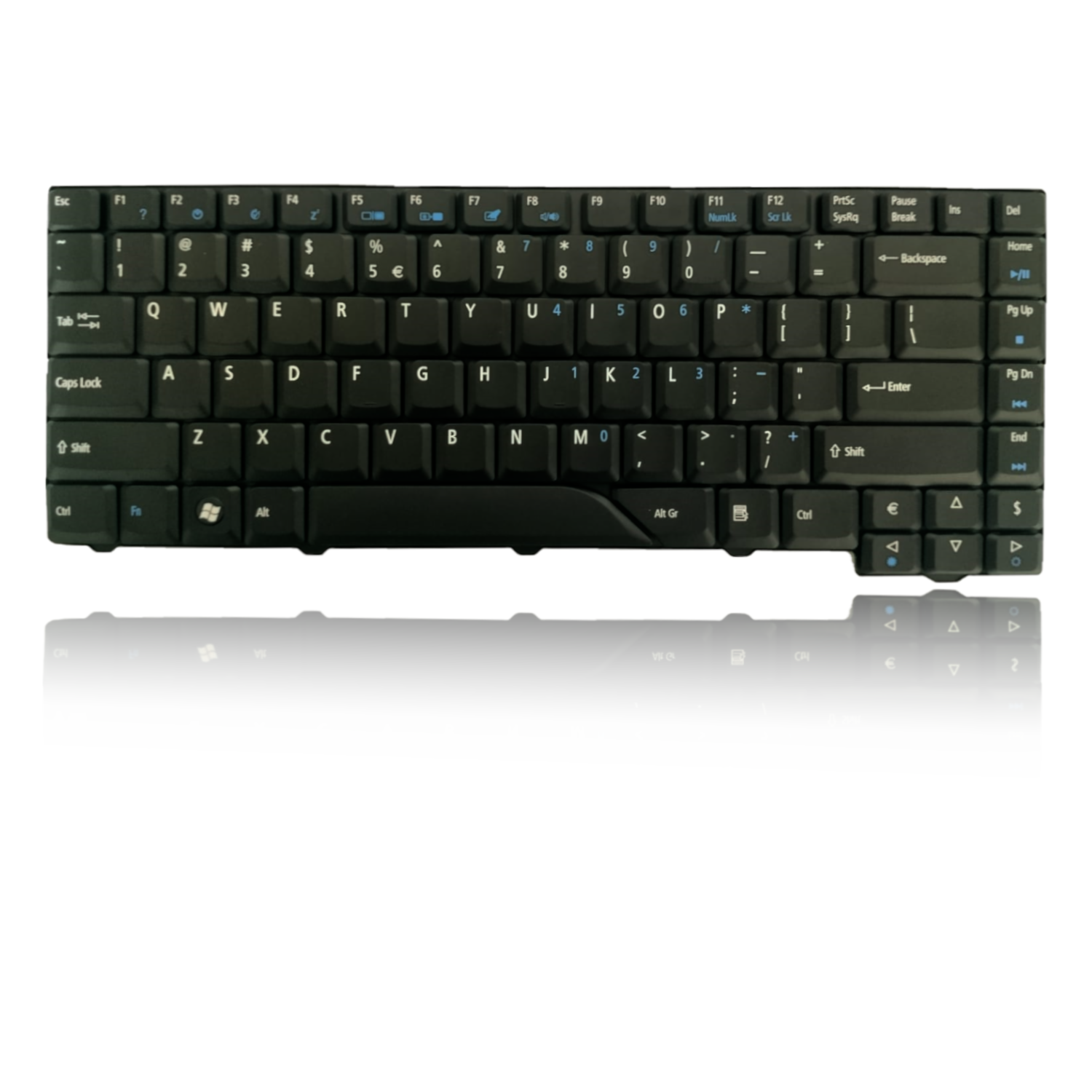
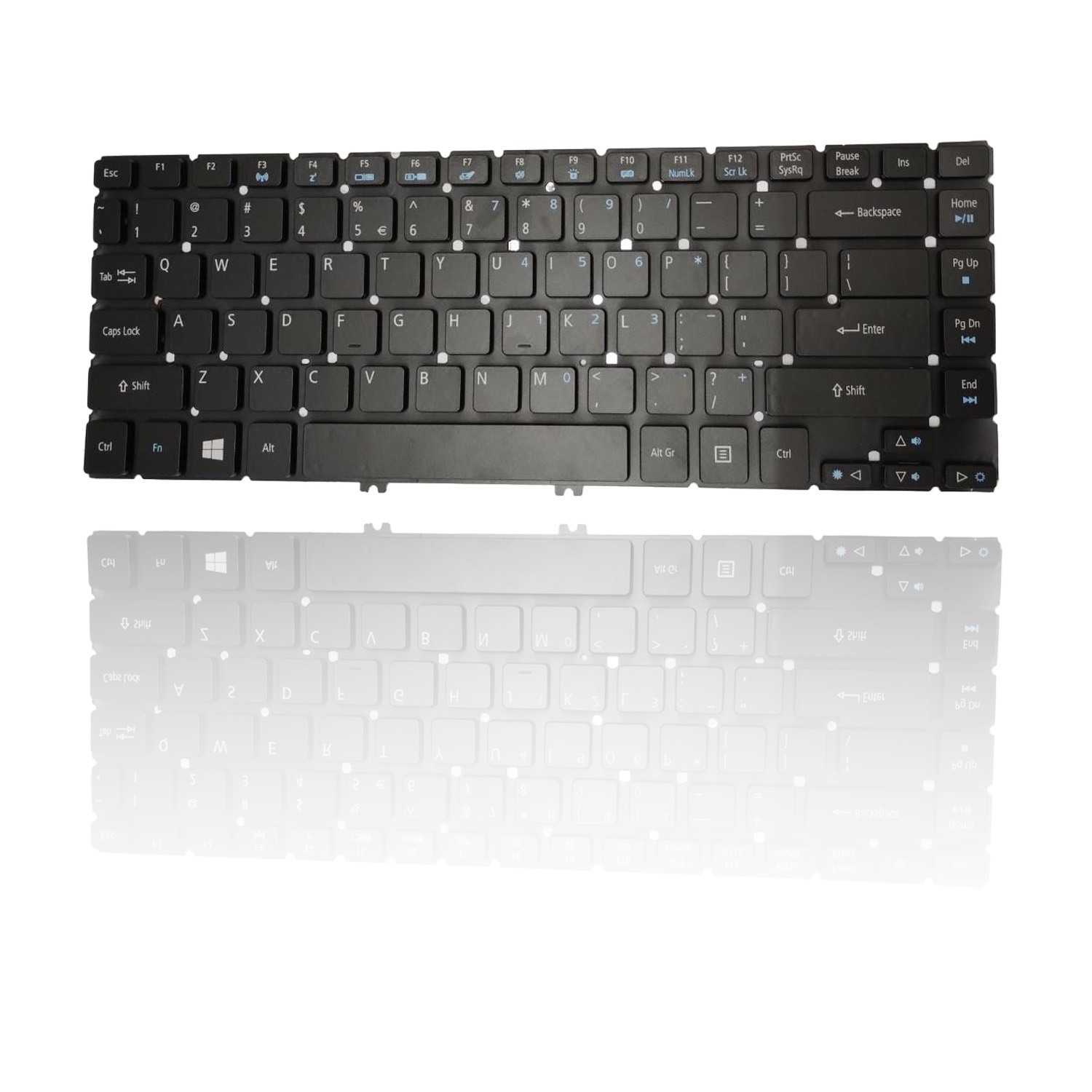
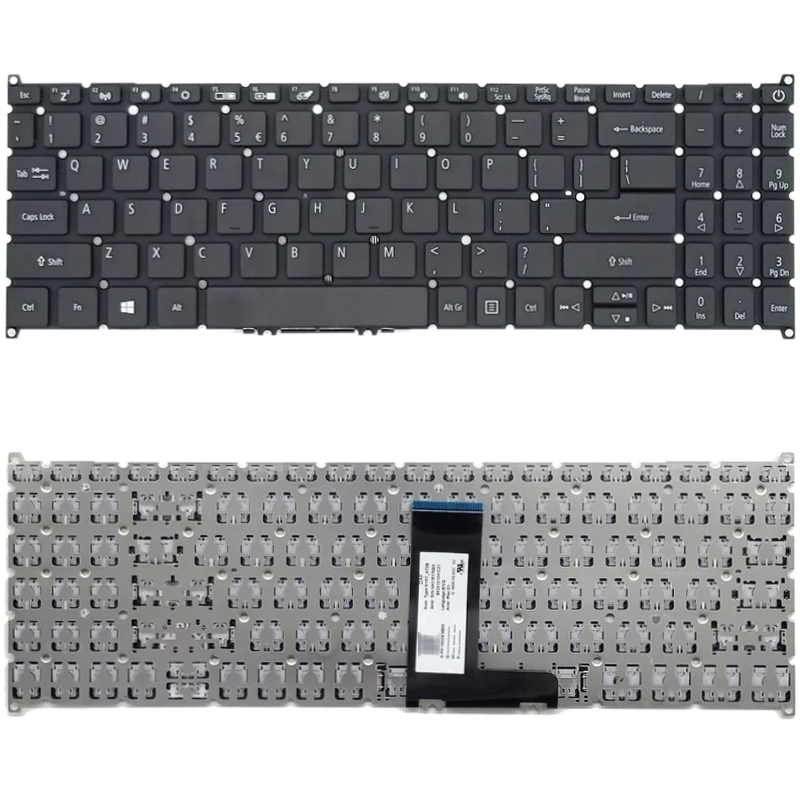
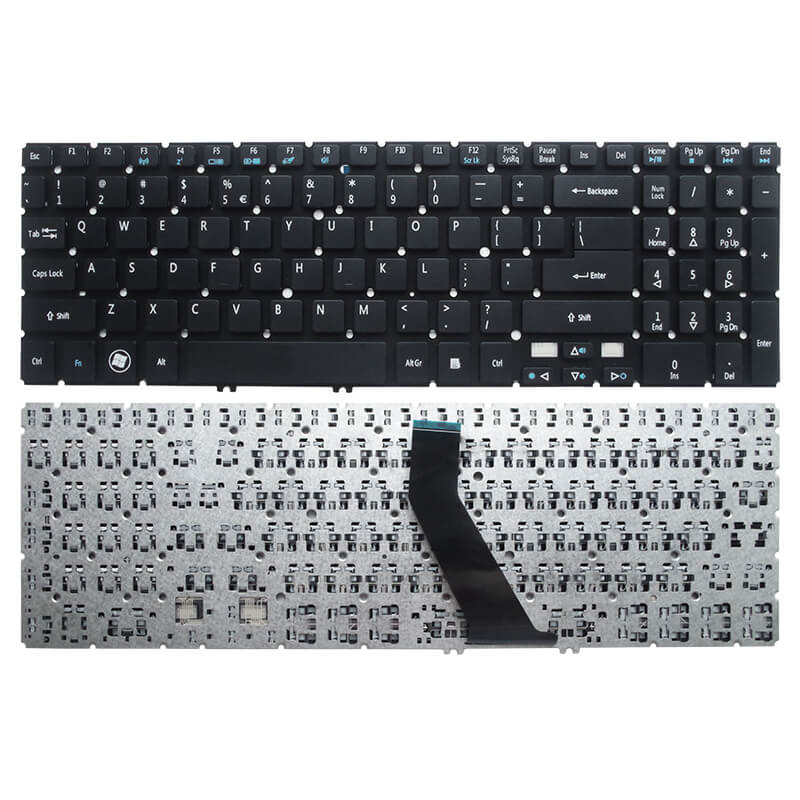
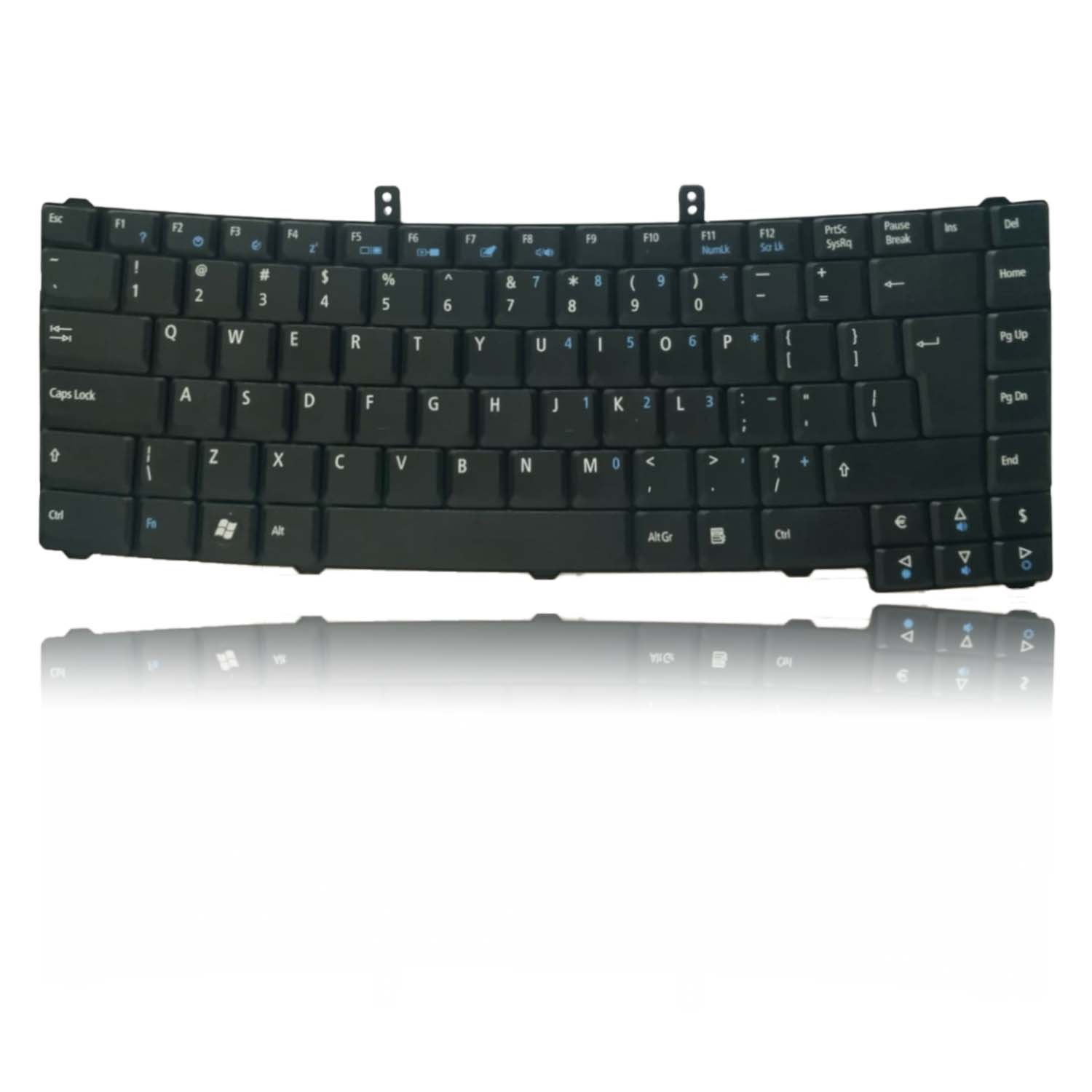
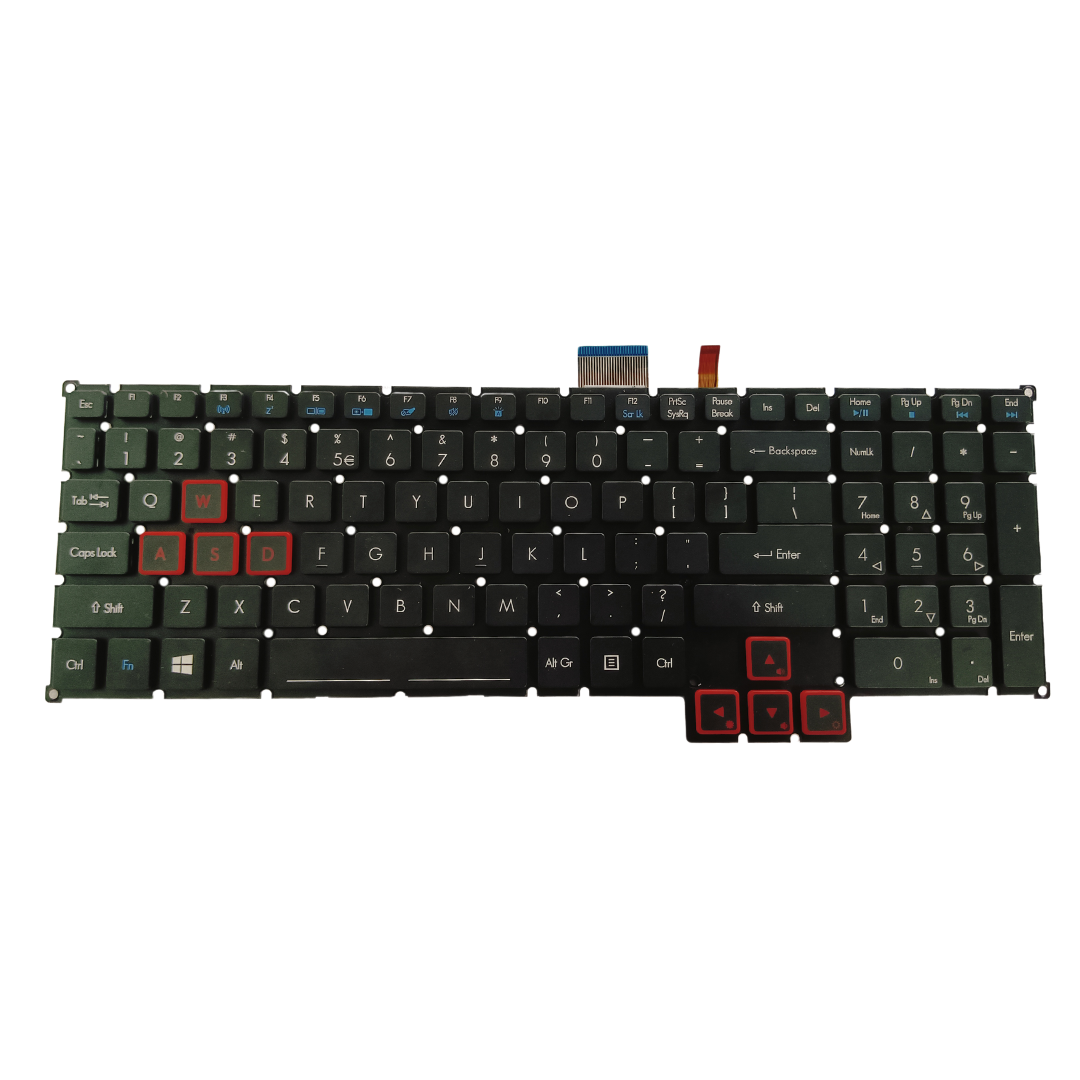
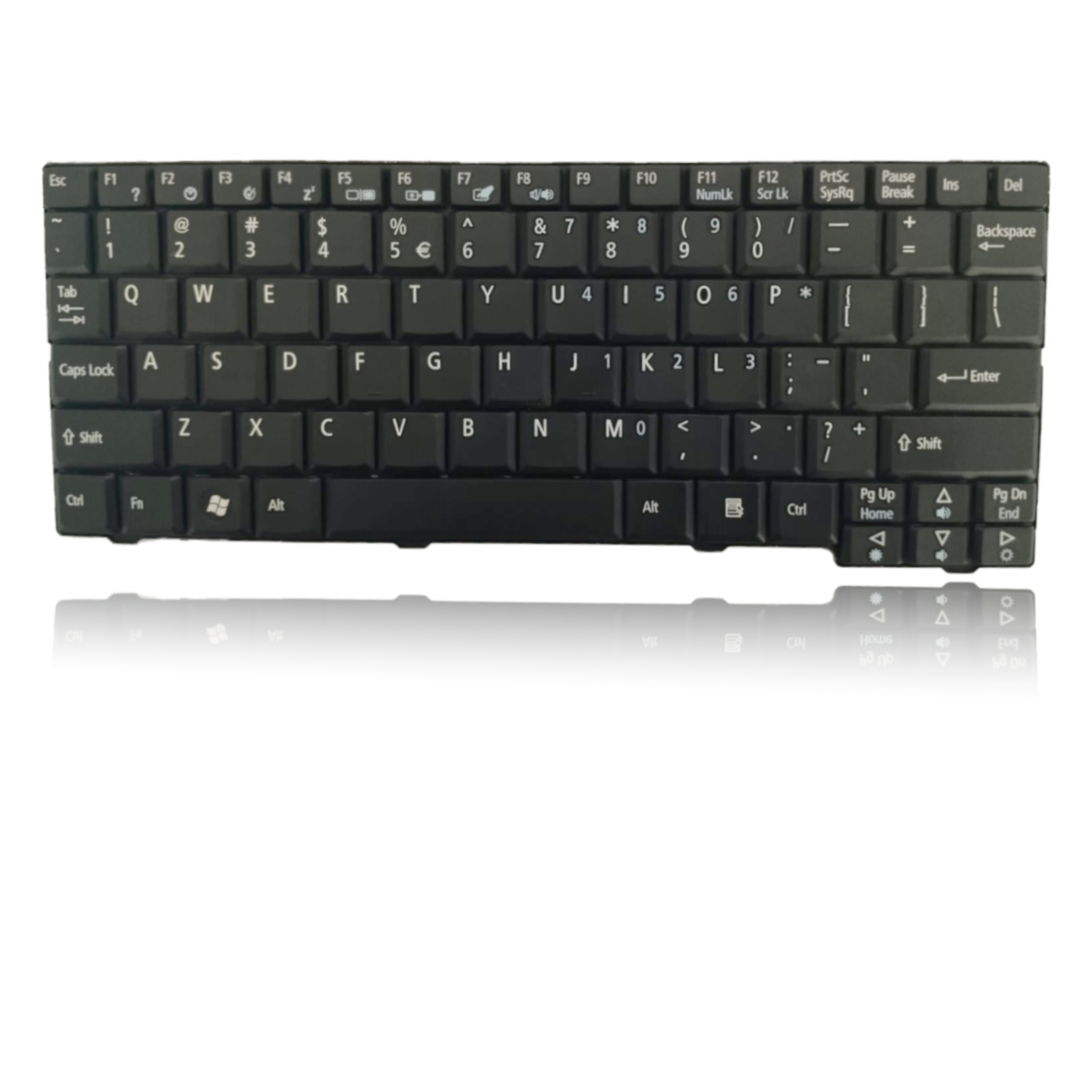
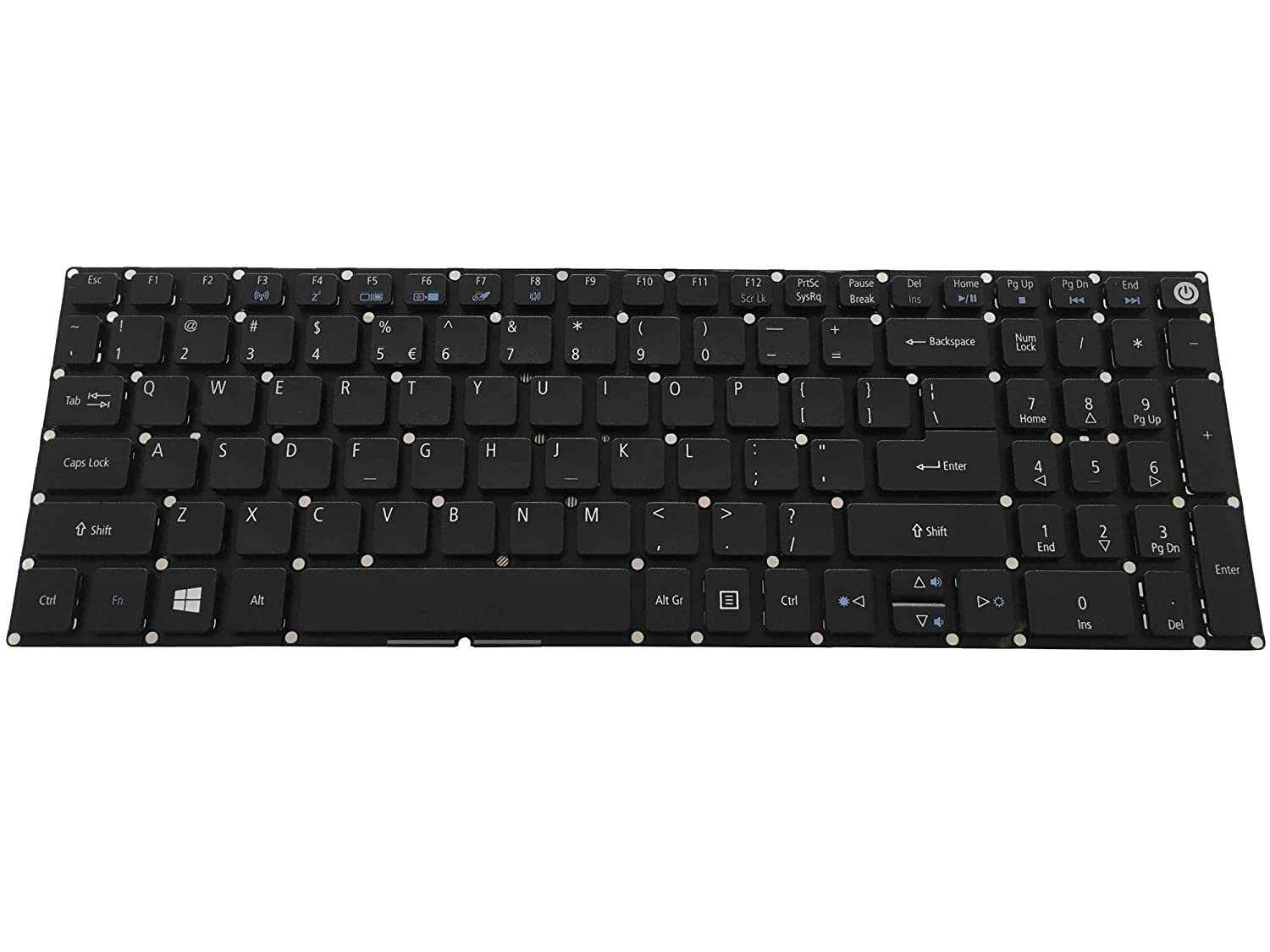
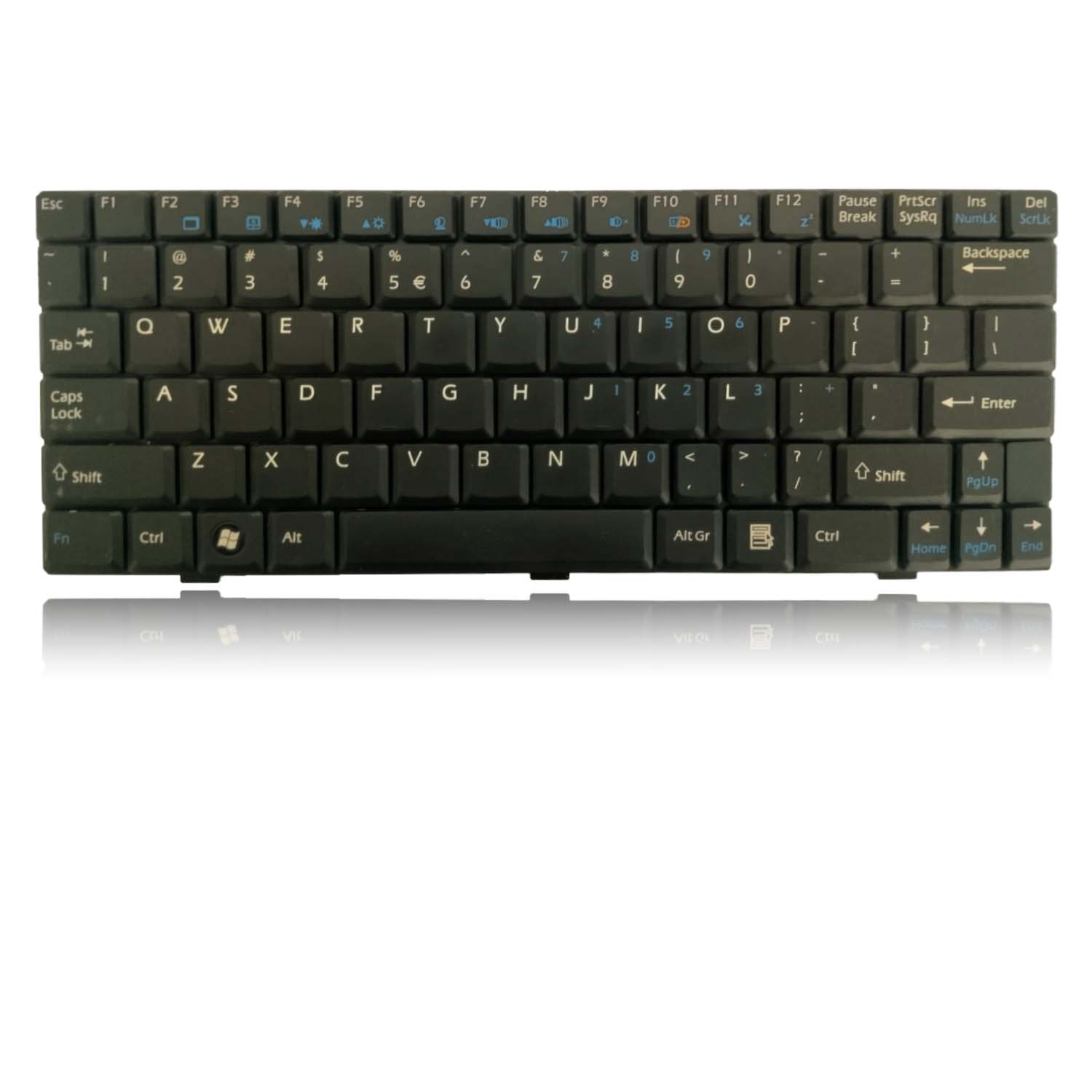
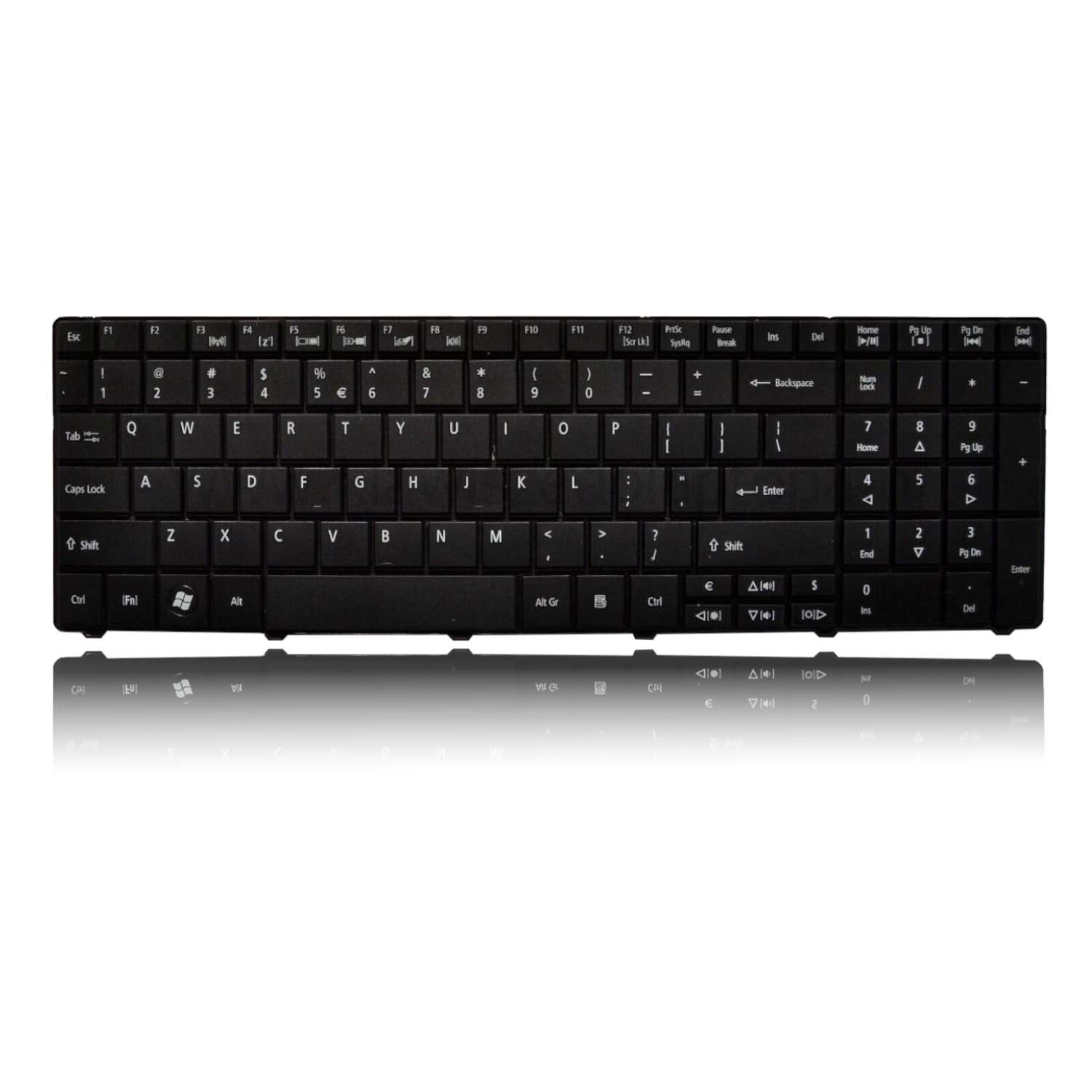
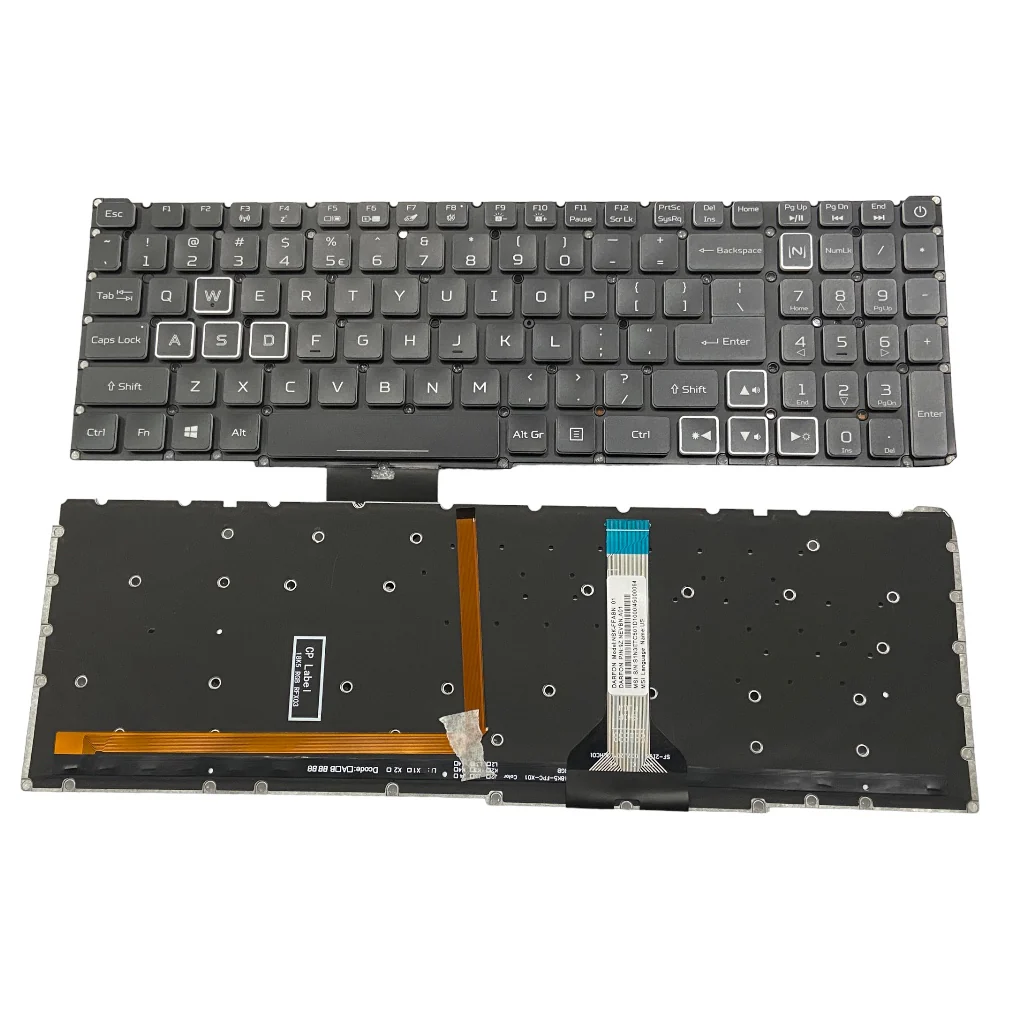
New Laptop Keyboard for Acer 4020 4000 4010 4060 4070 4080 4100 4210 4220 4260 Series Rated 5 out of 5 ₹1,299.00 Original price was: ₹1,299.00.₹799.00Current price is: ₹799.00. Incl GST Buy now Product Description Laptop Keyboard for Acer 4020 Is your Acer 4020-4260 Series laptop in need of a keyboard upgrade? Look no further! Our brand-new 14-inch US Version laptop keyboard is here to breathe new life into your device. Key Features: �� Enhanced Typing Experience: Say goodbye to worn-out keys and hello to a fresh typing experience. Our new laptop keyboard ensures responsive and comfortable keystrokes. �� Compatibility: Designed to seamlessly fit Acer 4020, 4000, 4010, 4060, 4070, 4080, 4100, 4210, 4220, and 4260 Series laptops in the US market, ensuring a hassle-free installation. �� Built to Last: Crafted with durability in mind, this keyboard is designed to withstand daily use, making it your reliable typing companion. ��️ Easy Installation: Installing our keyboard is a straightforward process – no technical expertise required. It’s tailored to fit your Acer laptop perfectly. ��Brand New: Enjoy the confidence of using a brand-new keyboard that’s ready to provide you with a fresh typing experience. Give your Acer 4020-4260 Series laptop the upgrade it deserves with our 14-Inch US Version Laptop Keyboard. Click “Add to Cart” now and experience the improvement our new laptop keyboard can make for your device. Benefits: Comfortable and productive typing Easy to see in low-light conditions Protection from spills and accidents Long-lasting durability Product highlights While replacing a laptop keyboard may seem like a daunting task, it’s manageable with the right guidance. Here’s a step-by-step guide to help you through the process:Prepare Your Workspace: Begin by turning off your laptop and selecting a well-lit, clean, and flat workspace to work on.Remove the Old Keyboard: Carefully remove the old keyboard by unscrewing any retaining screws and disconnecting the ribbon cable that connects it to the laptop.Install the New Keyboard: Align the replacement keyboard with your laptop’s chassis and reconnect the ribbon cable. Secure the keyboard in place by tightening the retaining screws. Test the New Keyboard: Power on your laptop and test the new keyboard to ensure that all keys are functioning correctly.Enjoy Your Upgraded Laptop: With the replacement keyboard in place, you can enjoy an improved typing experience and the assurance of a fully functional keyboard. Warranty 6 months by Lap Gadgets India. (No warranty for burned or damaged pins / cables) Return & Replacement We are confident in our product hence we give you 10 days free returns & 30 days self return window to either get replacement or return (know more) Why buy from Lap Gadgets ? Talk to our experts Phone: 91 96247 62900 Email:
[email protected] Facebook-f Twitter Google-plus-g Youtube Name Phone Message Message Send Google rating score:4 of 5,based on 372 reviews